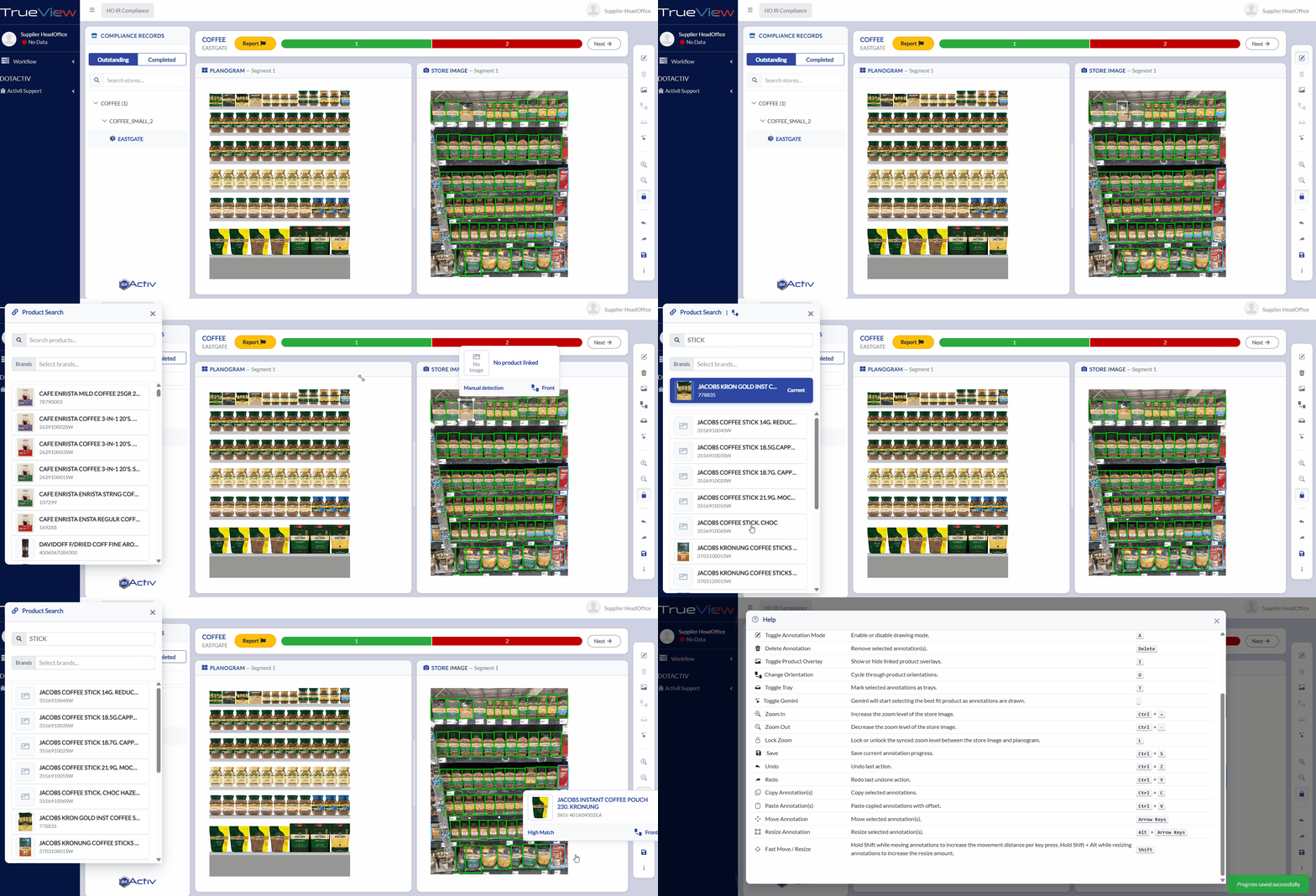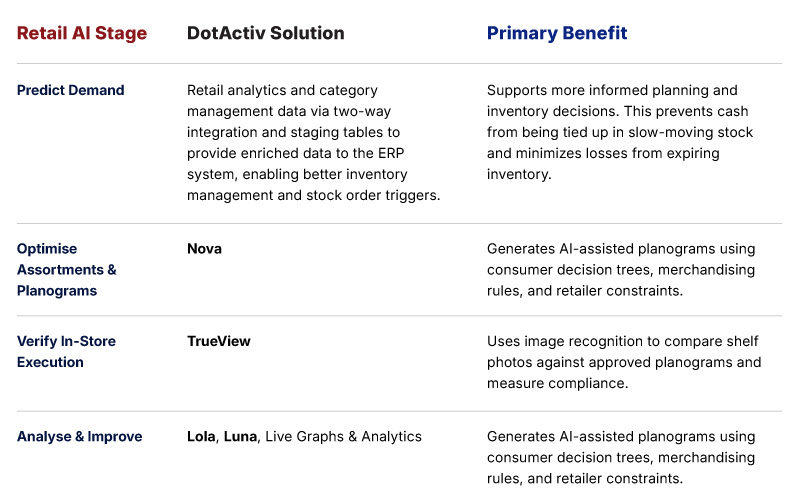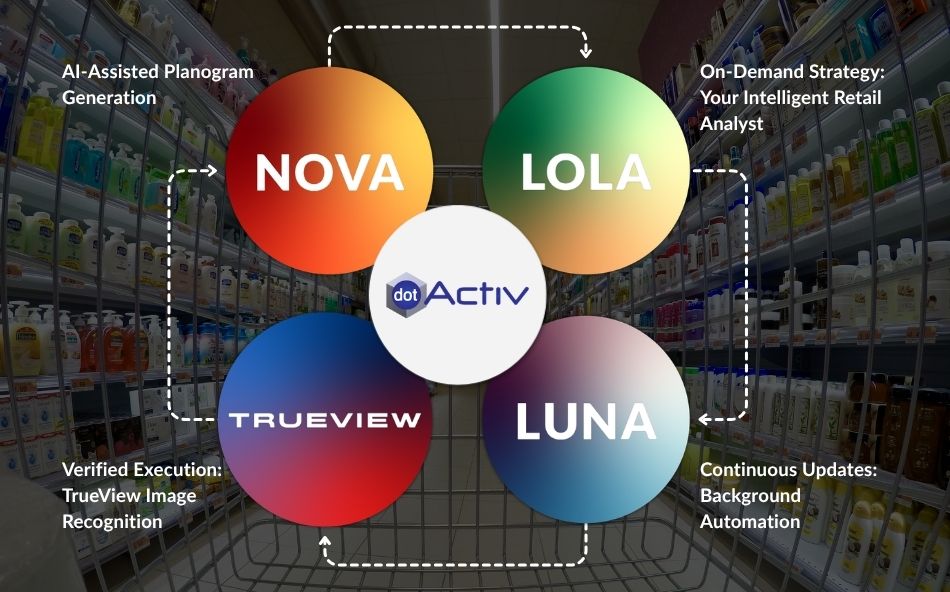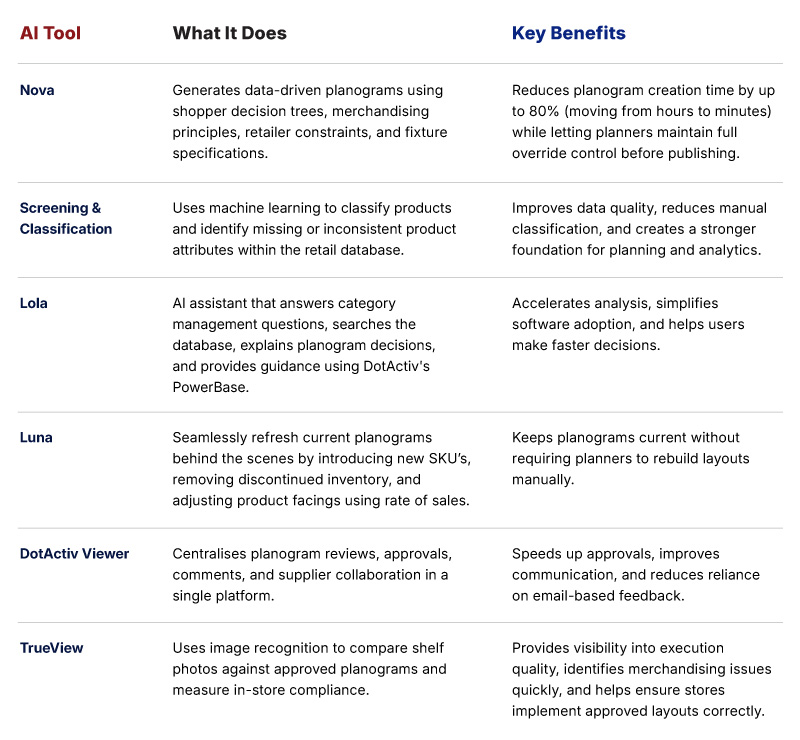

From stakeholder alignment to on-the-ground store execution, a category plan is only as strong as the data and collaboration behind it. In this feature update, we explore two important capabilities designed to eliminate costly retail bottlenecks: streamlined Planogram Bundling for faster sign-offs, and TrueView’s Fixture and Macrospace Audits to bridge the gap between head office planning and real-world shelf reality.
1. Simplify Collaboration with DotActiv’s Planogram Bundling
Planogram collaboration involves sharing preliminary planograms with key stakeholders for review and input. In the past, sharing these preliminary planograms was tedious and disorganised. Planners had to share separate files, email PDFs back and forth, and try to piece together feedback across multiple inbox threads. Reviewing planograms individually wasted time and led to missed stakeholder feedback.
Bundle Planograms for Faster Sign-Off
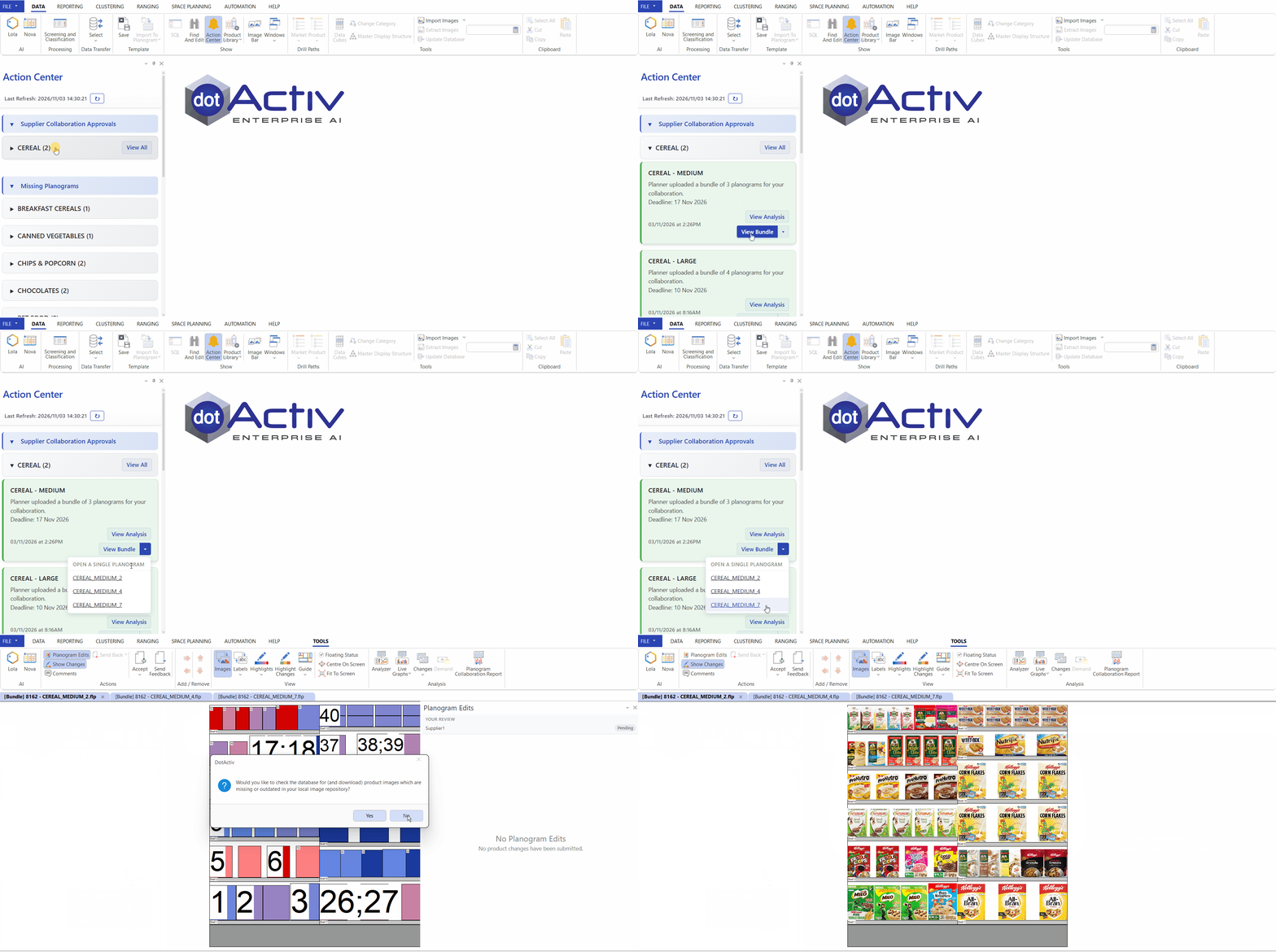
Planogram Bundling allows planners to automatically group preliminary planograms, sharing category and cluster attributes, into a single review packet directly in DotActiv. Stakeholders can view the entire bundle at once, suggest facing or position edits directly on the planograms, and submit mandatory change justifications back into the planner’s approval pipeline.
How It Drives Efficiency
- Direct Visual Edits: Stakeholders modify facings and change product positions directly on each planogram in the bundle.
- Structured Rationale: Mandatory “Motivate Your Changes” justifications ensure every suggested tweak is backed by clear merchandising logic.
- Single-Screen Reconciliation: Planners review, accept, or reject stakeholder suggestions and then send the finalised bundle straight to the final approver for sign-off.
How It Works in Practice
A planner kicks off a seasonal category review and builds preliminary planograms covering all clusters. Instead of sending separate attachments, the planner uploads them into DotActiv, which automatically bundles them under the category cluster. Key stakeholders open the bundle in DotActiv Viewer, spot that a top performer needs an extra facing across all planograms, make the tweak, add a quick rationale note, and hit submit. The planner reviews the edit, accepts it, and gets final approval on the planograms before sending them to stores for implementation.
Get Started with Planogram Bundling
- Existing Customers: Head over to the Space Planning tab to bundle your next preliminary planograms, and read our step-by-step PowerBase guide, Planogram Collaboration: Approval Pipeline, Supplier Feedback and Direct Edit Functionality. Alternatively, book a demo with Customer Success.
- New to DotActiv? Book a demo with a DotActiv Expert today to see how DotActiv’s collaboration pipeline cuts down category review cycles.
2. Achieve Flawless Planogram Execution with TrueView’s Fixture and Macrospace Audits
When planograms don’t fit store shelves, rollout stops. This usually happens because head office records don’t match the actual store layout. Building planograms on outdated dimensions causes shelf-fit problems, frustrates store teams, and creates avoidable redesign work for planners.
Verify Real Store Dimensions with TrueView’s Fixture & Macrospace Audits
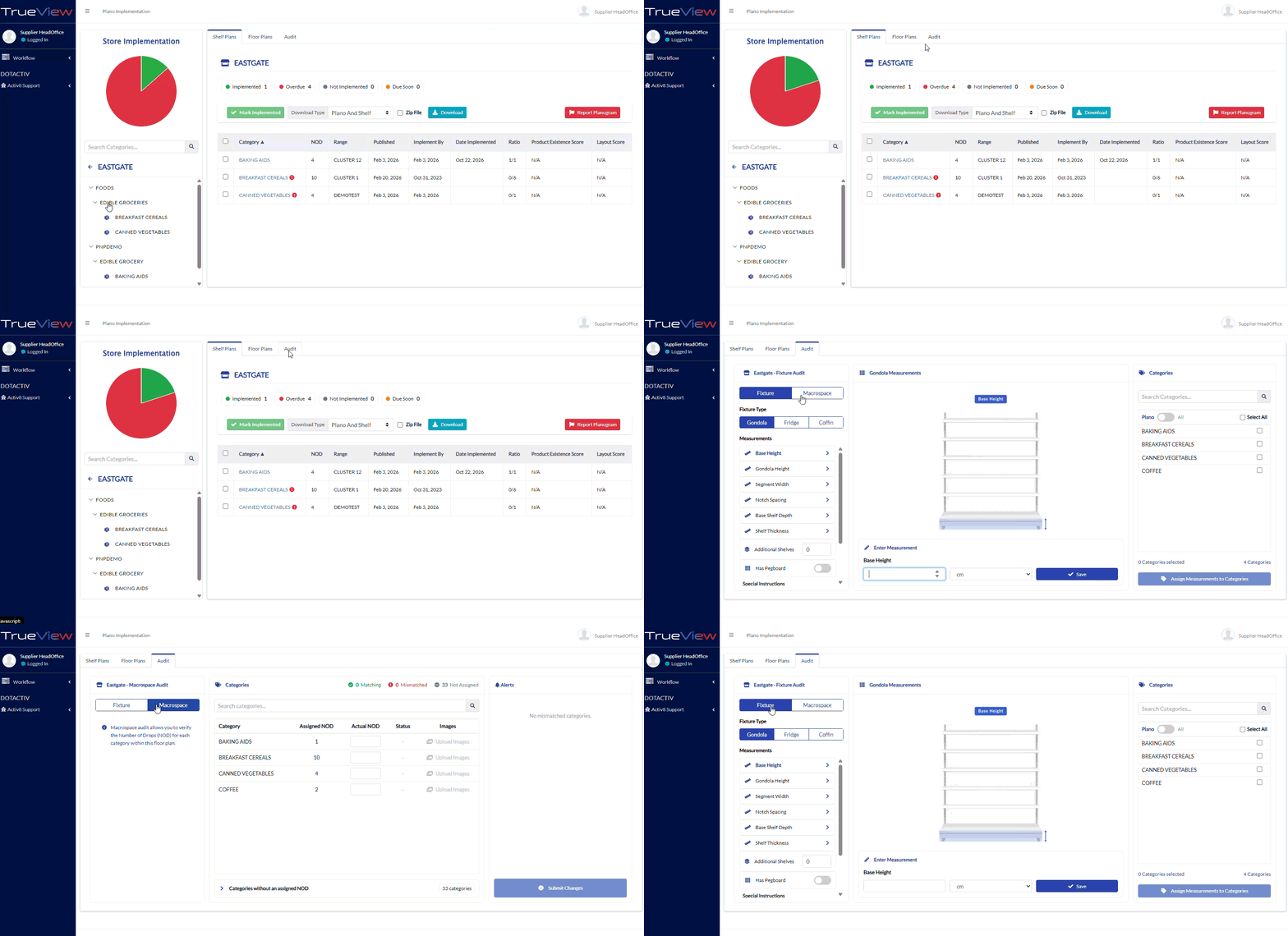
TrueView’s Fixture and Macrospace Audits let field teams check fixture sizes and count actual category drops right from the aisle. This store data, along with required photos, syncs back to your DotActiv database so layouts are built to fit the real space.
How It Drives Efficiency
- Multi-Category Assignment: Assign updated fixture dimensions to multiple categories simultaneously directly from the store floor, eliminating repetitive manual data entry and speeding up the planning cycle.
- Mandatory Visual Accountability: Require high-quality photo uploads for every actual category drop (NOD) recorded, providing space planners with visual context and preventing costly implementation disputes.
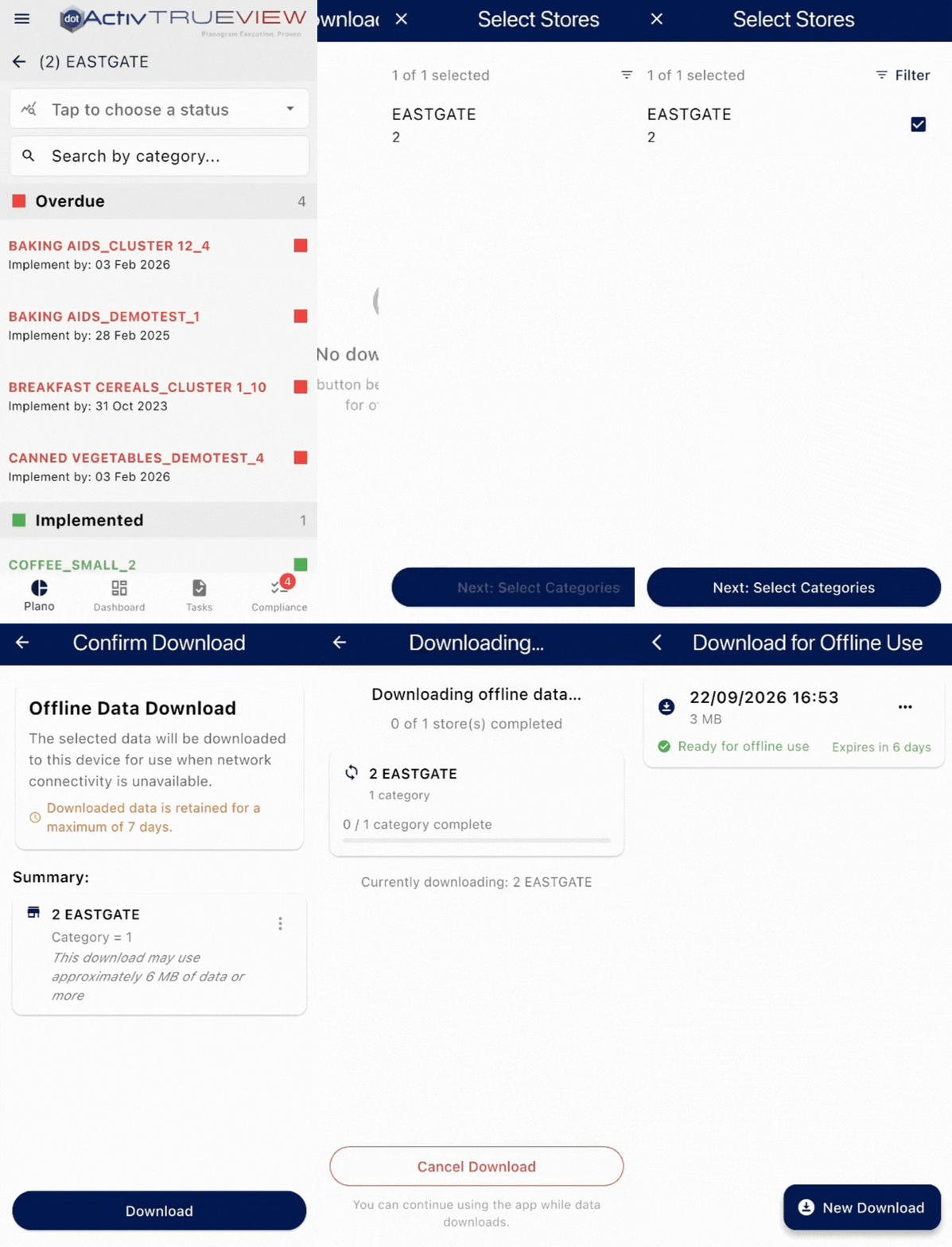
- Uninterrupted Offline Auditing: Download store packages to the TrueView Mobile App to conduct complete audits without Wi-Fi or cellular service. All data and images sync automatically when you reconnect, keeping field teams efficient in dead zones.
- Drillable Executive Dashboards: Use the TrueView Web dashboard to instantly identify implementation gaps by tracking outstanding versus completed audits, or export detailed XLSX reports to drive immediate strategic action.
How It Works in Practice
Imagine preparing for a major seasonal category reset. A field merchandiser arrives at a flagship store and discovers the beverage aisle actually has three drops, not the assigned four.
Using the TrueView Mobile App in a connectivity dead zone, they quickly perform an offline Macrospace Audit. They log the actual three drops and snap the mandatory photos. Once they reconnect to the internet, the data instantly syncs. Back at head office, the planner sees the flagged mismatch and photographic evidence on their dashboard, adjusting the planogram before implementation begins, averting a costly retail bottleneck.
Get Started with TrueView Fixture & Macrospace Audits
- Existing Customers: Make sure you have the latest version of the TrueView Web and Mobile App installed, and read our step-by-step PowerBase guide, Conducting Fixture And Macrospace Audits on TrueView. Alternatively, book a demo with Customer Success.
- New to DotActiv? Book a demo with a DotActiv Expert today to see how Fixture and Macrospace Audits on TrueView can bridge the gap between theoretical space planning and actual store execution.